Are you looking for a book?
Our reviews are divided by topic rather than by age to help you find the right book to interest a particular child or class.
Are you looking for an author?
You can find authors willing to give talks and interviews, run workshops and visit schools at contactanauthor.co.uk
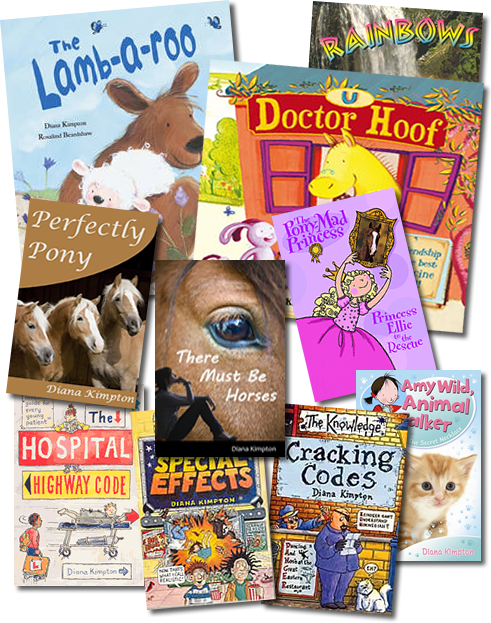
Do you want to be an author?
You can find information on writing, publishing and marketing books at helpwithpublishing.com. You may also find our directory of UK children’s book publishers useful.